
The Vehicle Lookup tool is accessible from the left side menu of the Management section
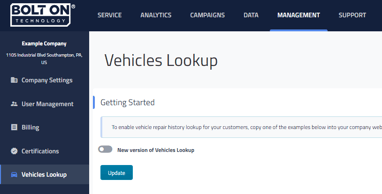
Simply put this is a tool that is available to be placed on your shop's website that will allow customers to look up their vehicle's history with your shop. This can be especially helpful for your customers if you warranty the work you do on vehicles as they will be able to see the date of a specific repair to see if it does fall under the warranty.
When you click on Vehicle Lookup you will have two different display options available and the code for those options.
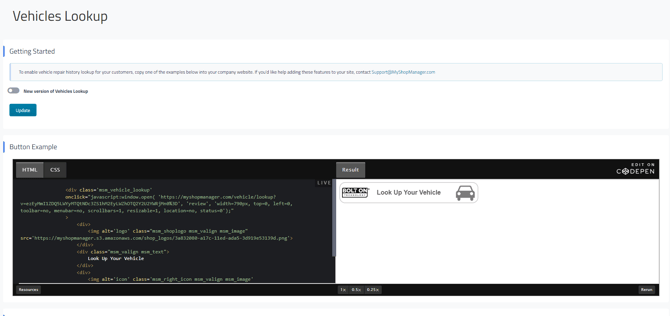

Button will open a new tab/page in your customer's browser where they will then fill out a form and be able to look it up.
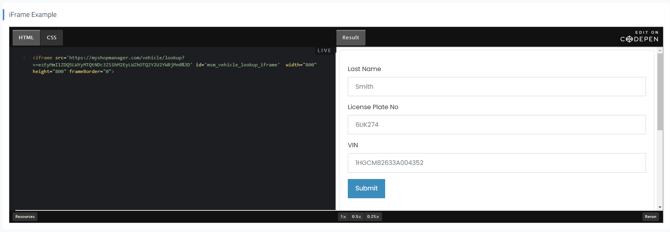

iFrame will embed the form directly on your website so they are not directed to another tab/page.
The information customers can see in Vehicle Lookup can be adjusted in Company Settings. To update these options, go to Company Settings and select Public Information View.
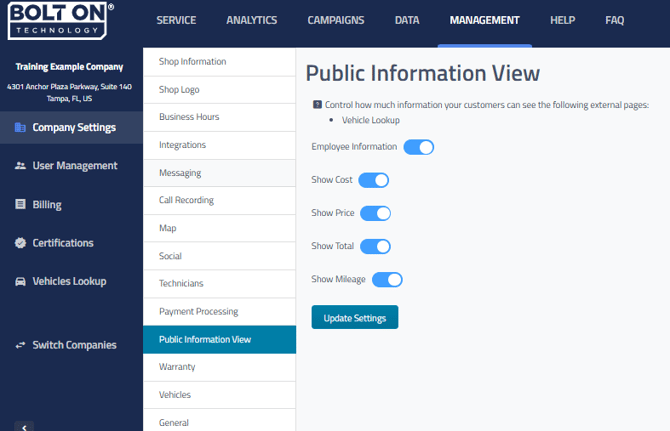
- Employee Information - Includes the names of technicians and service writers assigned to the repair orders and line items.
- Show Cost - Shows the parts and materials costs for each line item of the repair order.
- Show Price - Include the pricing on each line item of the repair order.
- Show Total - Display the repair order total for each repair order.
- Show Mileage - Include the vehicle mileage that was recorded on each repair order.