
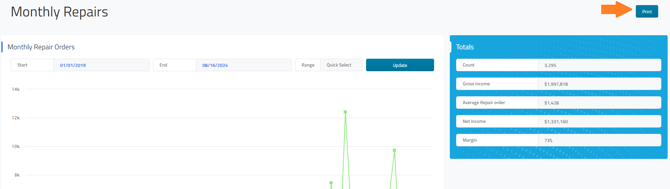
If printing is available for the report you’re viewing, a blue “Print” button will appear at the top right of the report screen. Click this button to continue.

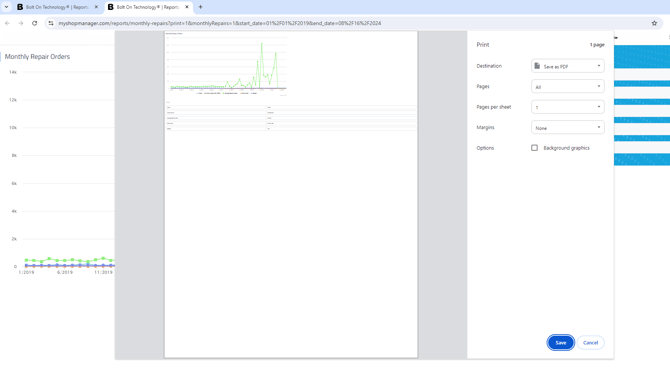

This will open up in a new tab and open your print dialogue menu.
**Helpful tip:** If the “Print” button isn’t available for the report you want to print, look for a “Download” option instead to obtain a printable version. You can also capture a screenshot of the report and print it as an image.