
To add a new user in Retention Pro, click Management at the top of your screen, then select User Management from the left side. Next, click Add User in the top right of the User Management screen and enter the new user’s name, email, and role. An email will be sent to the address provided, and the user must click the link in that email to set their password.
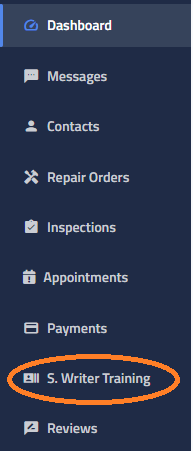
Once a new employee has been added as a user in Retention Pro, they can access Service Writer Training from the left-side menu under the “Service” section. If the user is assigned a technician-level role, they can also log in directly at Servicewritertraining.com using their Retention Pro credentials.
For more information on adding a User in Retention Pro please see How Do I Add Employees or Users?
For more on Service Writer Training please see - Service Writer Training